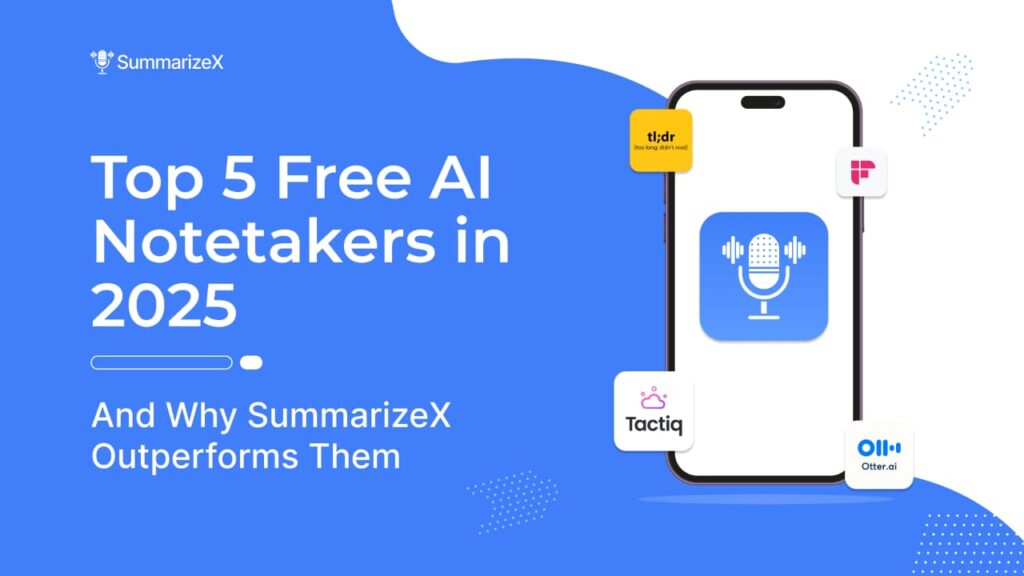
In the present-day, fast-paced business world, being “present” in a meeting, listening to what is being said while also capturing the details of decisions made and tasks assigned, can be difficult. This is where free AI notetakers can come to the rescue: relieving you of the burden of taking notes, summarizing, transcribing, and organizing, so that you can focus on the conversation and still come away with actionable insights.
In this blog, we’ll explore the leading options in 2025 with a focus on free access and highlight why SummarizeX stands out as the best AI note tool in class.
Table of Contents
- What to Expect from a “Free AI Notetaker”
- Top 5 Free AI Notetakers in 2025
- tl;dv
- Fireflies.ai
- Otter.ai
- Tactiq
- SummarizeX
- Quick Comparison: SummarizeX vs others Leading AI Notetakers
- FAQs About Free AI Notetakers
- Final Thoughts
What to expect from a “Free AI Notetaker”
When we discuss the top AI note-taking software and free AI meeting note-takers, we consider that they:
- Automatically record or transcribe meeting audio (and occasionally video)
- Provide action items, decisions, highlights of important topics, and searchable transcripts.
- Require minimal manual input during the meeting.
- Offer a genuinely usable free tier (not just a short trial) so you can test and use without immediate cost.
Top 5 Free AI Notetakers in 2025
1. tl;dv
Best for: Teams using Zoom or Google Meet
Free plan: Yes, with generous limits
Overview:
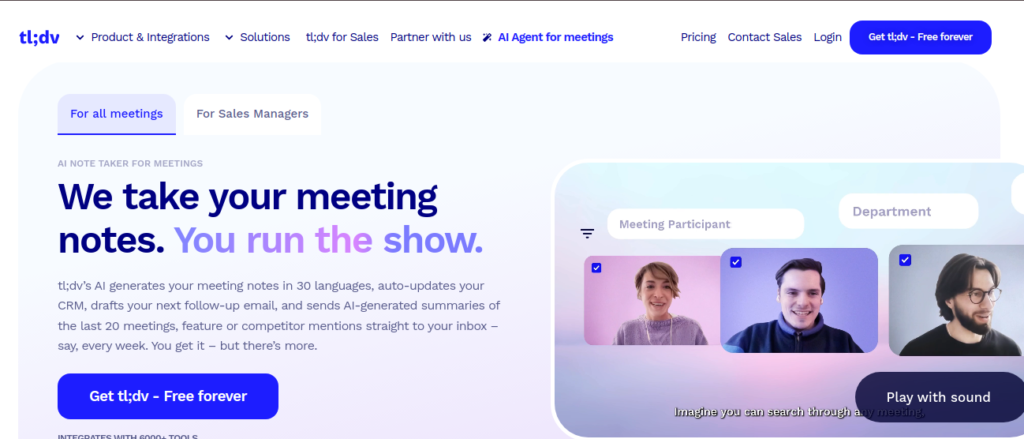
tl;dv is a popular tool amongst remote and hybrid teams that trust video collaboration tools like Zoom, Google Meet, and Microsoft Teams. It not only records your meetings, but it can also automatically make transcripts and produce highlights by leveraging AI. For example, many teams use it to quickly snip short, shareable video clips of a meeting to relay the most important information. tl;dv is particularly effective for training sessions or async meetings when team members are dispersed.
Pros:
- Works with Google Meet, Zoom, and MS Teams
- Unlimited recordings in the free plan
- Time-stamped highlights and searchable transcripts
Cons:
- Some advanced integrations are only available on paid plans.
- Limited editing options for free users
2. Fireflies.ai
Best for: Collaborative teams that rely on searchable meeting data
Free plan: Limited minutes per month
Overview:
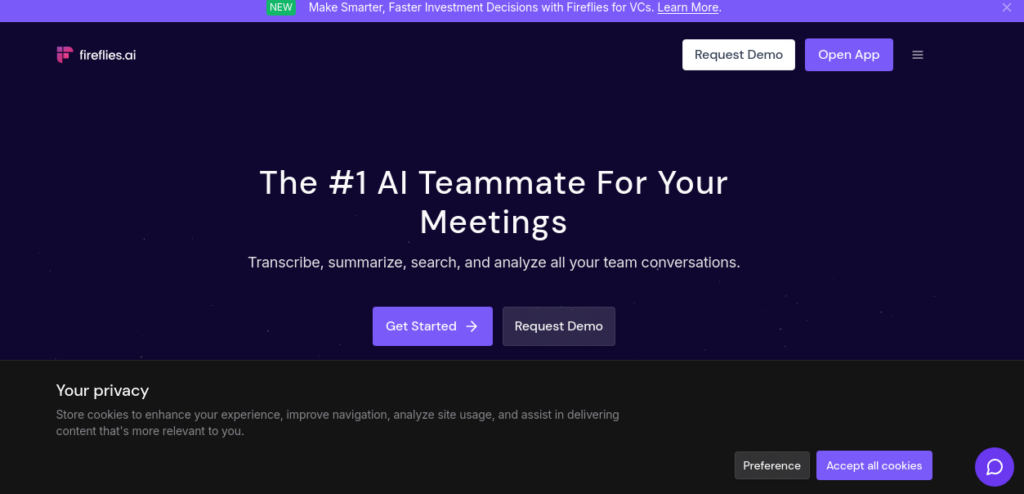
Fireflies.ai serves as a “team memory assistant,” keeping track of everything from meetings and turning conversations into searchable transcripts. Its integrations with CRM and project management tools are useful for teams in sales and marketing that need call analytics capabilities. Users can tag moments, add comments, and easily access past conversations. Even though it has collaboration features, the free plan limits the total minutes to 3 hours and restricts the advanced AI summarizing capabilities, which SummarizeX offers more of in the free plan option, with greater flexibility and power.
Pros:
- Integrates with Zoom, Teams, Webex, and more
- AI highlights and task detection
- Searchable across meetings
Cons:
- Free plan limits total meeting minutes
- Advanced analytics and summaries require a paid plan
3. Otter.ai
Best for: Individual professionals and educators
Free plan: 300 monthly transcription minutes
Overview:
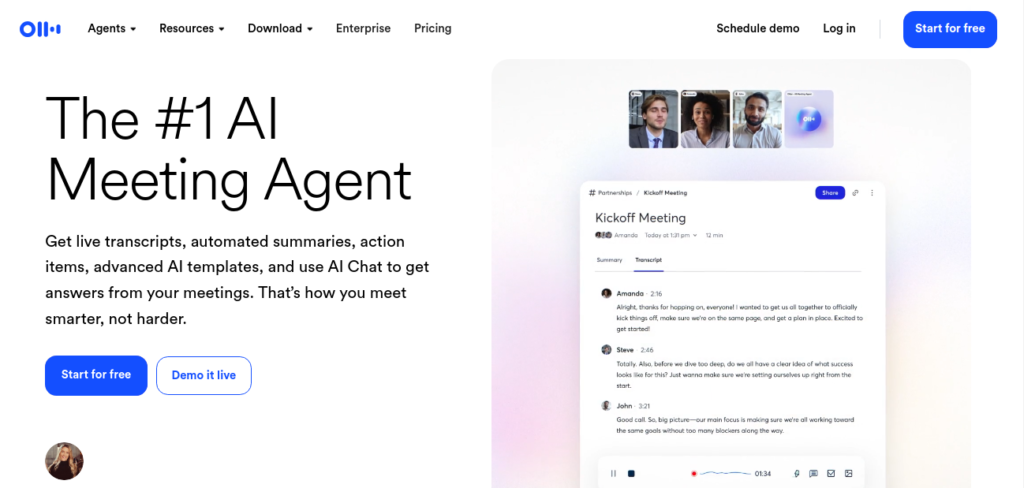
Otter.ai has been a tool for professionals, students and educators needing dependable speech-to-text transcription for a while now. With real-time captions and speaker identification, as well as integrations with popular conferencing platforms, it is particularly useful for lectures, webinars, and one-on-one interviews. That being said, while it does a good job of transferring, Otter is not focused primarily on intelligent summarization of content. This makes it different from SummarizeX, in particular, concerning context-aware insight and action item detection capabilities, as it is simply a note capture tool (rather than a decision support) in its free plan.
Pros:
- High transcription accuracy
- Supports real-time captions and speaker tags
- Integrates with Zoom and Google Meet
Cons:
- Free plan limited to short meetings
- No advanced AI summary features in the free tier.
4. Tactiq
Best for: Real-time meeting notes and highlights
Free plan: Yes, limited meetings per month
Overview:
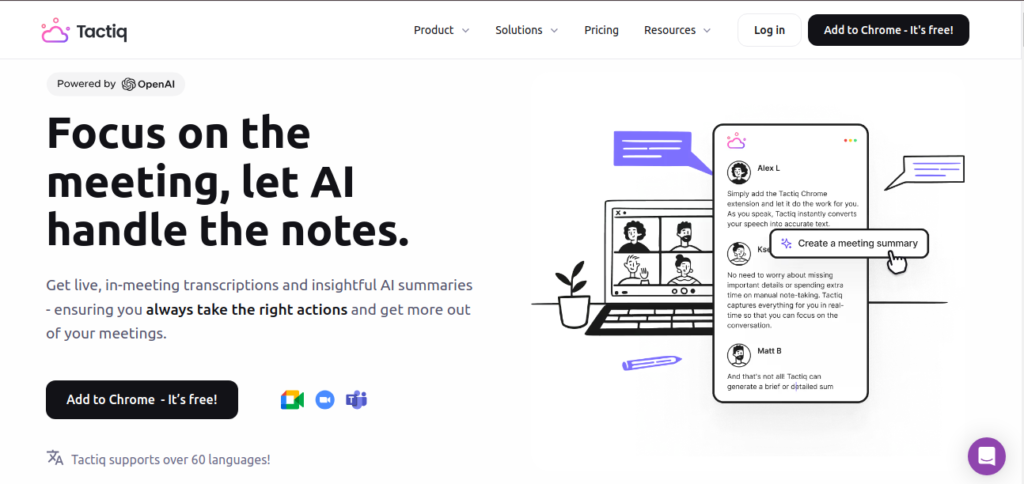
Tactiq is known for the ease and simplicity associated with its note-taking experience during meetings conducted via Google Meet, Zoom, and Teams. It transcribes the live captions from the meeting, extracts the highlights and quotes, and delivers a simplified summary which you can export. To top it off, many users enjoy the lightweight Chrome extension, which doesn’t require any setup, making it a go-to for a lot of professionals. Still, Tactiq may be better for casual and occasional use or in scenarios where you only need the text notes, as it simply provides text and doesn’t tape the recording, and there is an upper limit on the number of free meetings. SummarizeX offers a fuller experience in terms of meeting intelligence for regular and ongoing intelligence from meetings.
Pros:
- Works in real-time during meetings
- Easy highlight and summary export
- Simple Chrome extension setup
Cons:
- Free plan limits the number of meetings
- Doesn’t store recordings, only text
5. SummarizeX
Best for: Professionals and teams who want accurate, actionable meeting notes, for free
Free plan: Full-featured with generous usage limits
Overview:
And finally, the newest star of 2025, SummarizeX, a next-generation AI meeting note-taker designed to transform how professionals capture and comprehend their meetings. It employs the latest summarization technology, SummarizeX provides much more than a transcription service – it understands context, emphasizes decisions, and extracts action items, all automatically. Whether you are a business executive, educator across subject areas, or product manager, Summarize can help divert your attention away from the notes, so that you are focused on the discussion, and nothing of importance is missed.
Seamlessly integrate with Zoom, Teams, and Google Meet, export directly to Slack, Notion, and Drive – Summarize becomes your appointment intelligence hub. With enterprise-grade privacy and multilingual precision, SummarizeX will suit carefully curated global teams looking for accuracy and assured privacy.
Important Features:
- AI-driven summaries: automatically identify choices, assignments, and crucial lessons.
- Speaker recognition: For clear responsibility, it indicates who said what.
- Real-time transcription: Works with Zoom, Teams, and Google Meet.
- Action-item extraction: Lists follow-ups and owners without manual tagging.
- Seamless integration: Exports notes to Slack, Notion, Drive, and project tools.
- Enterprise-grade privacy: End-to-end encryption ensures your data is safe.
What Makes SummarizeX Different:
- Deeper Understanding: Utilize advanced context-aware AI to log not only what was said, but why it’s important.
- Customized Summarization: Summarization can be tailored to your workflow, great for executive, product, or educator use.
- Truly Free Plan: Offers generous transcription minutes and features without forcing a paid upgrade early on.
- Multilingual Accuracy: Supports 20+ languages and dialects with exceptional precision.
- Performance Advantage:
- Save up to 6 hours per week otherwise spent on manual note review and follow-ups.
- Achieve 95%+ transcription accuracy, fine-tuned for business and technical conversations.
- Experience 60% faster decision-making with AI-powered summaries and automatic action tracking.
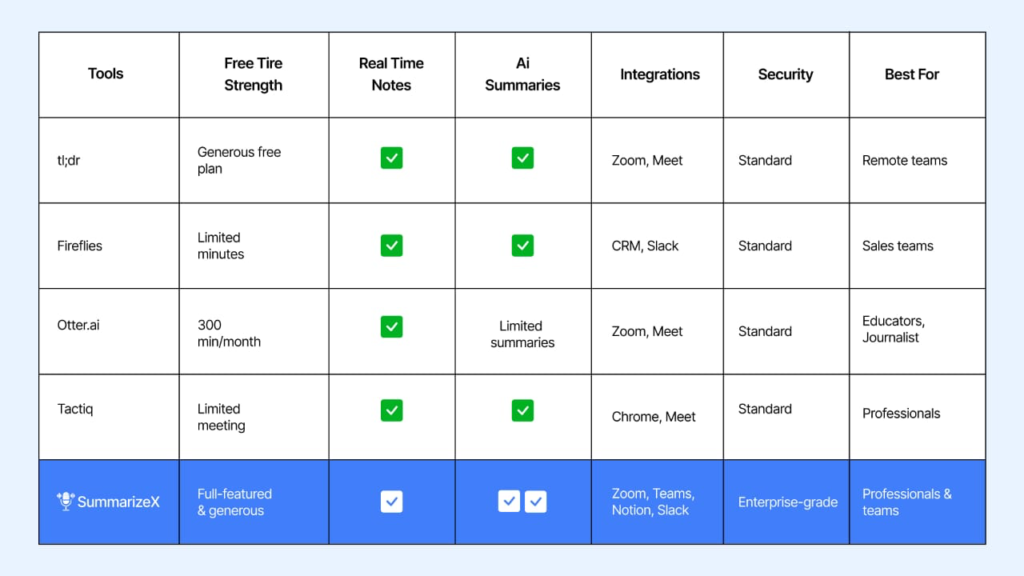
Quick Comparison: SummarizeX vs others Leading AI Notetakers
FAQs About Free AI Notetakers
Q-1. What makes an AI notetaker different from a regular note app?
AI notetakers automatically capture conversations and generate summaries. Unlike manual apps, SummarizeX, the best AI note tool, analyzes speech to create structured meeting notes.
Q-2. Are free AI notetakers safe to use?
Yes, reliable companies employ secure servers and protect your data. For instance, SummarizeX has high-level security and a privacy-focused architecture.
Q-3. Can I use these tools for in-person meetings?
Absolutely. Most allow you to upload audio recordings for transcription and summarization, not just online meetings.
Q-4. Do free plans have enough features for business use?
It depends on your meeting frequency. SummarizeX’s free plan is robust enough for teams and professionals, offering full summaries and exports without forcing upgrades.
Q-5. How accurate are AI meeting note takers?
Modern AI models achieve over 90–95% transcription accuracy in clear audio conditions. SummarizeX uses a next-gen speech model fine-tuned for business and technical contexts.
Q-6. Which free AI notetaker works best with Zoom or Teams?
While tl;dv and Fireflies support these, SummarizeX provides smoother real-time sync and more accurate summaries for those platforms.
Q-7. Is SummarizeX really free?
Absolutely, SummarizeX offers a free tier that has unlimited transcription of meetings, AI summaries, and action item tracking, which is a lot of usage. Premium plans include team management features and a lot of different remote analytics, team, and multi-language support.
Final Thoughts
The time when manual notes were taken during meetings is over. AI notetakers now do transcriptions, summarizations, as well as sometimes even manage your tasks, so that your team can focus on strategy instead of writing notes.
While tools like tl;dv, Fireflies, Otter, and Tactiq offer strong features, SummarizeX is the best AI notetaker tool that stands out for its accuracy, generosity, and user-first design. It’s the only free AI notetaker in 2025 that feels built for real-world professionals, not just a trial version of something bigger.
If you are looking for the best AI meeting note taker tool to improve your meetings, use SummarizeX at the top of your list.
Try it at your next meeting, simply let SummarizeX do the note-taking while you focus on the conversion and confidently make decisions and eliminate friction about speed or taking notes.